Not another chat. An agent that works for you.

uCreacción understands your intent and an autonomous agent executes it from start to finish.

An agent with real tools

Hermes reasons, writes and runs code, generates professional PDFs, searches the web and creates files — not just text replies.

Work that finishes by itself

Your task runs on your own infrastructure. Close the app or lose the connection: the job completes and waits for you.

Live progress

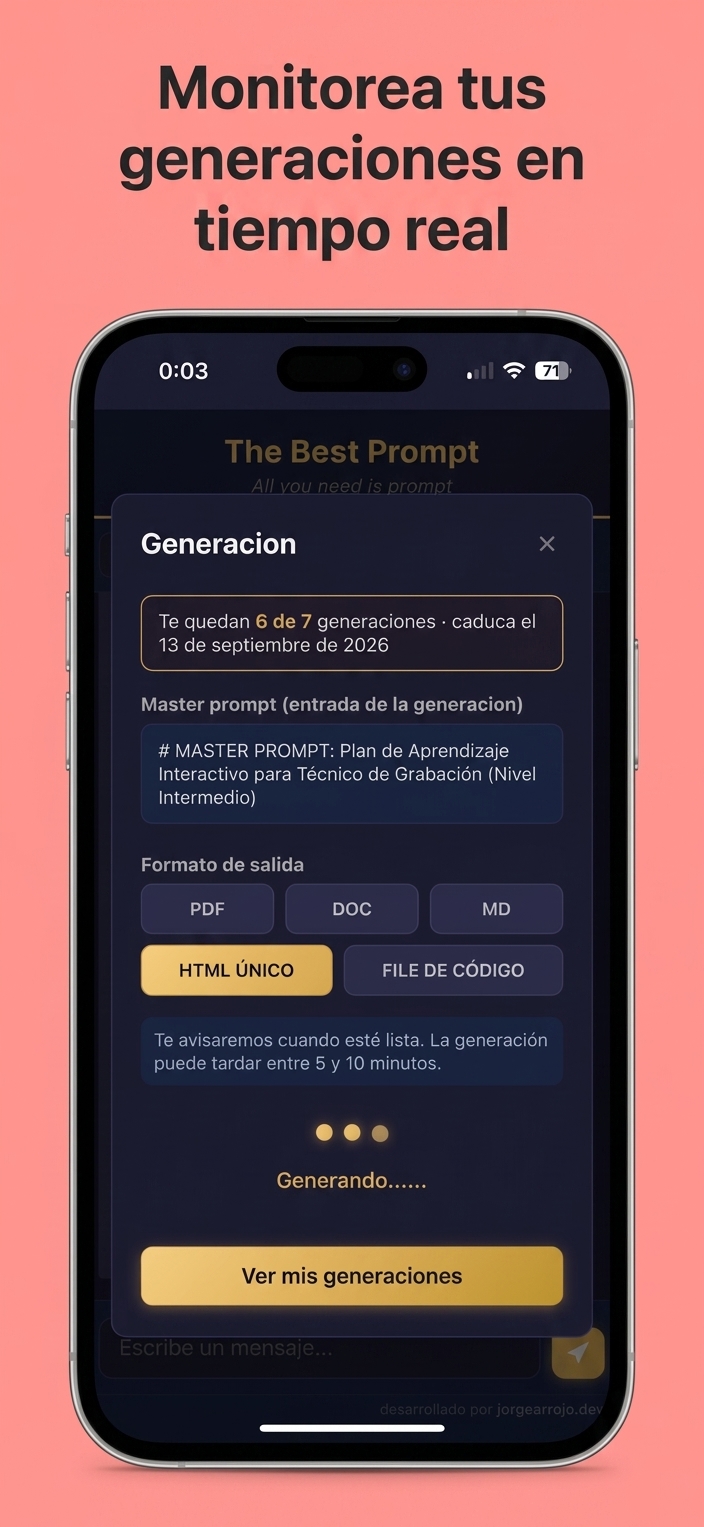
Follow every state and output fragment in real time over streaming (SSE) while the agent works.

The LLM of your choice, per task

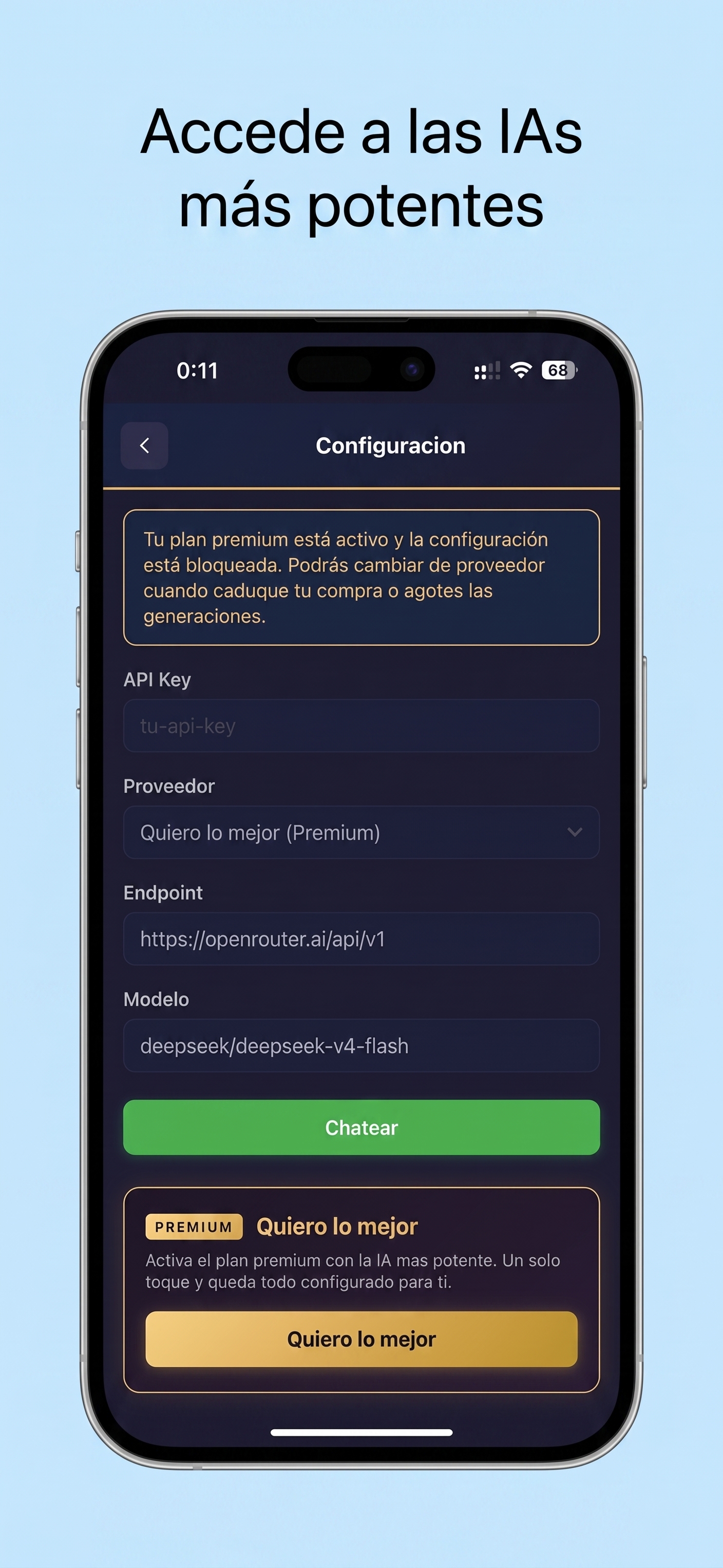
Rent GPU, run a local Ollama, or use a third-party API. Choose the best model for each generation.

Push notifications

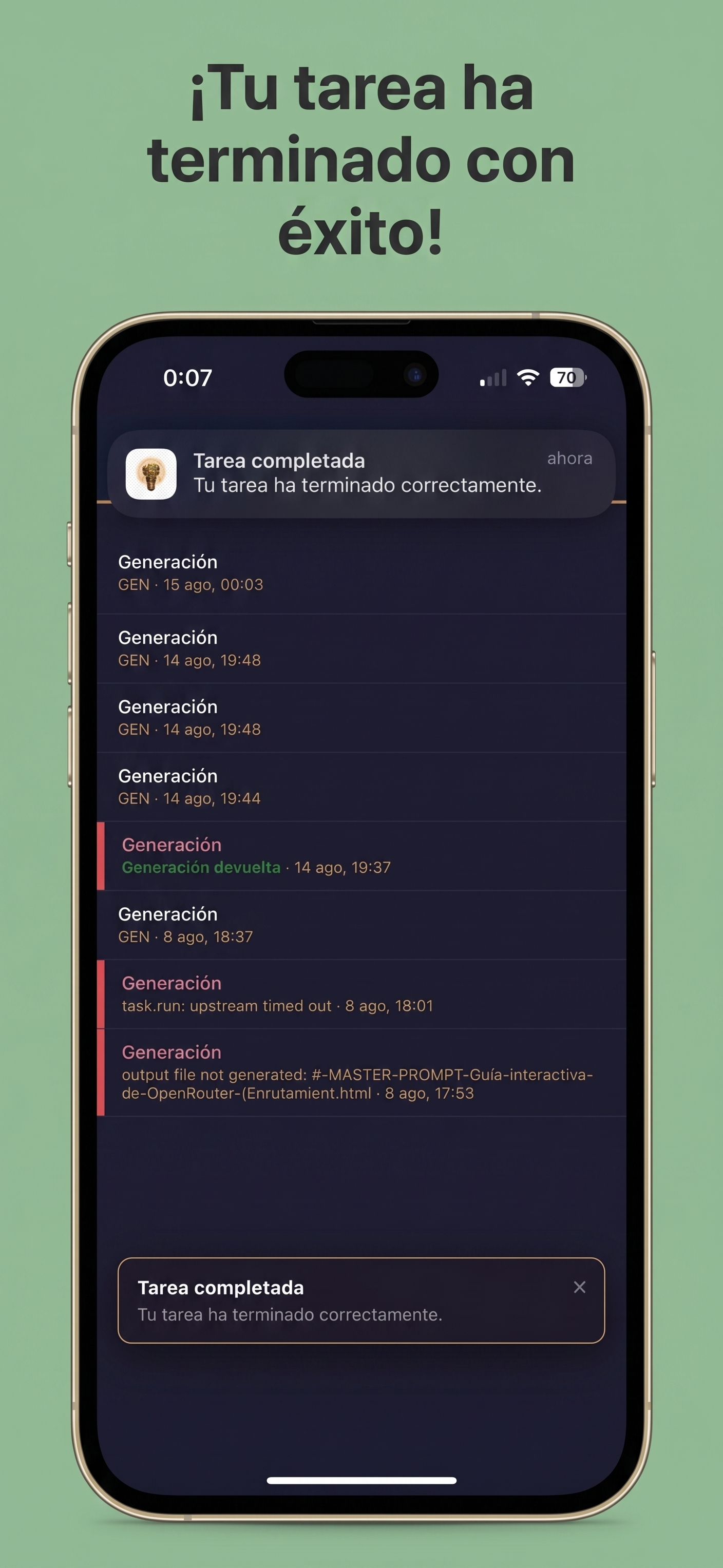
When a task finishes — success or failure — you get notified, even on your iOS device via APNs.

Deliverable files

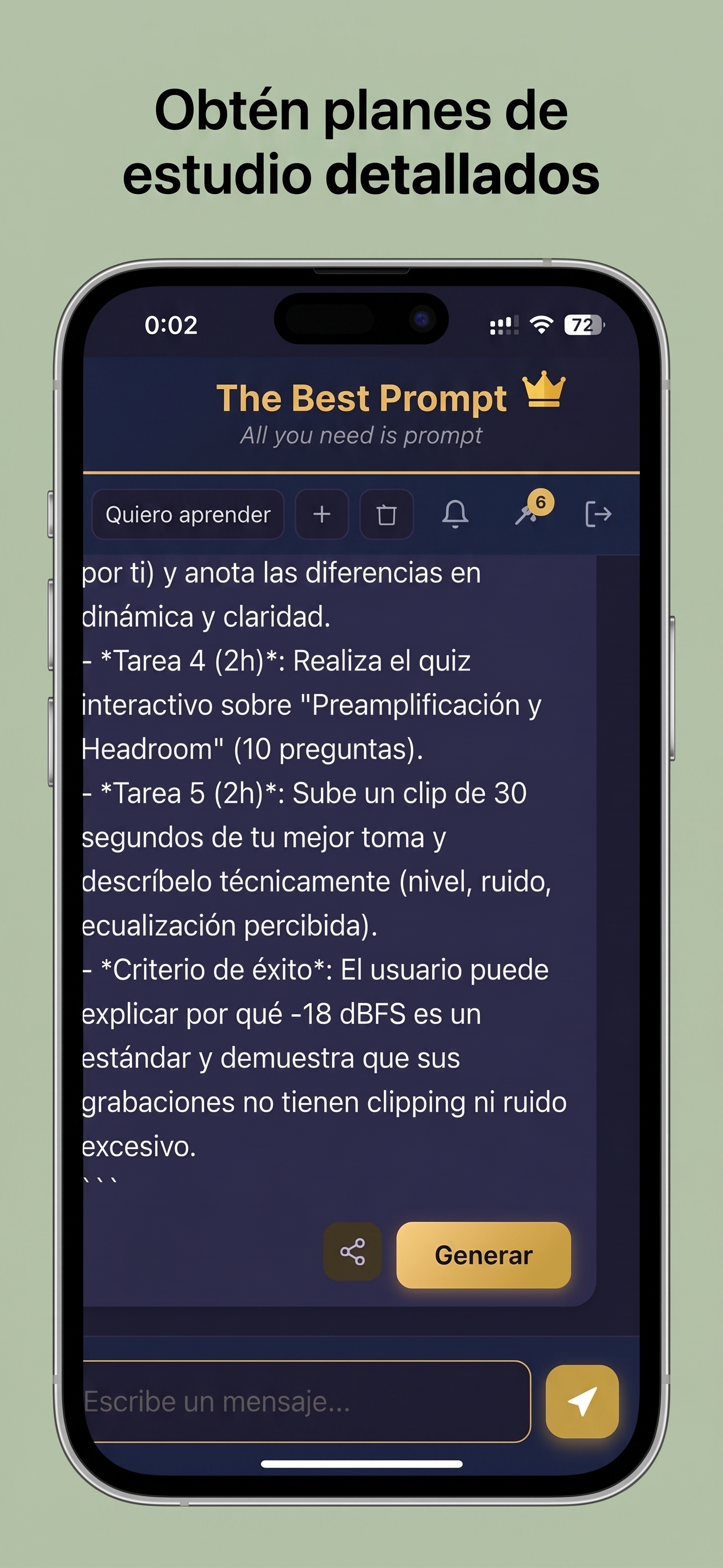
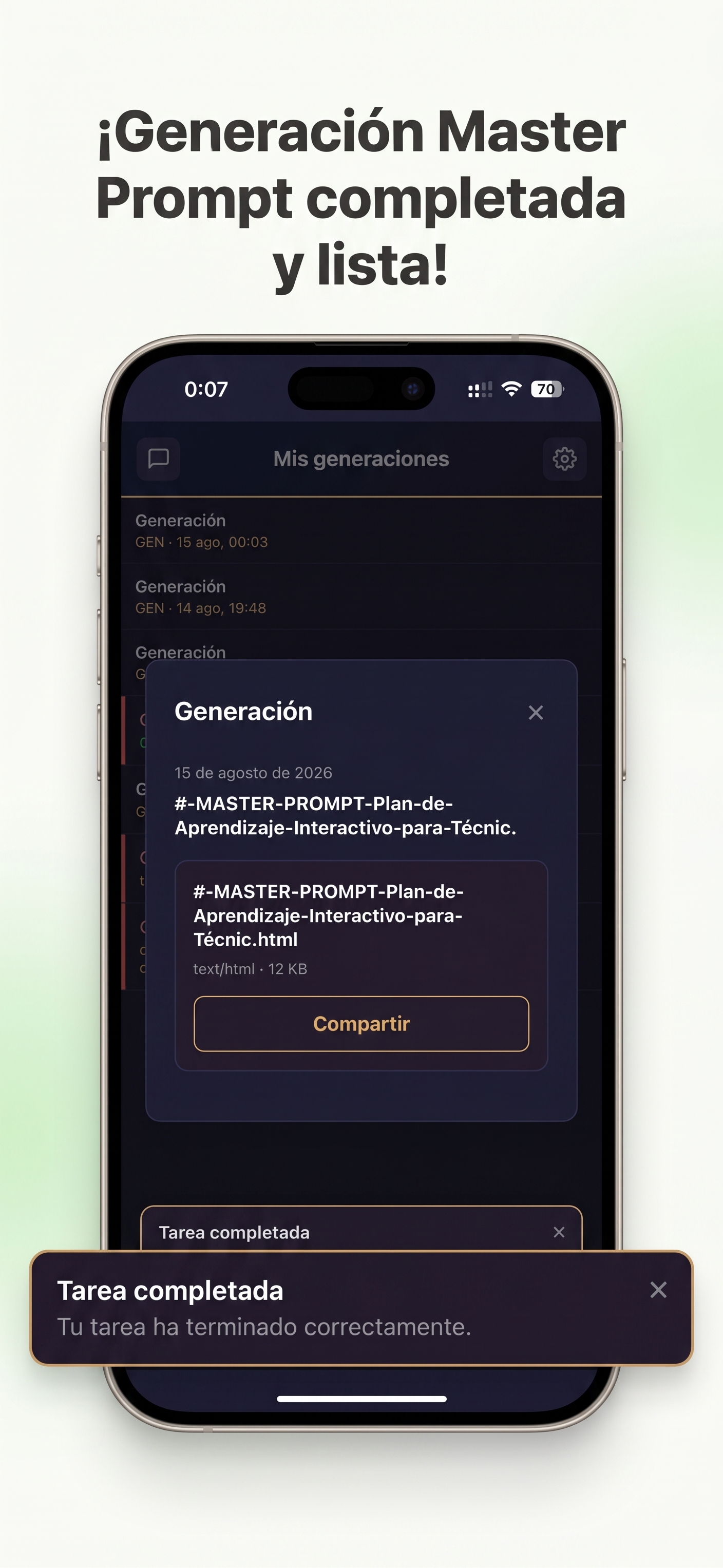
Receive your creation as a real file — PDF, DOC, MD, HTML or Plain Text — ready to save, share and keep developing.

Full control

Cancel a running task and the LLM actually stops, saving compute and money. Signed webhooks and retries for your own integrations.

Private by design

Your backend stays on your own infrastructure, reached over an encrypted private network (Tailscale). Nothing is exposed to the internet.

From idea to finished work

You describe. The agent does the work. You receive the result.

1

Describe your idea

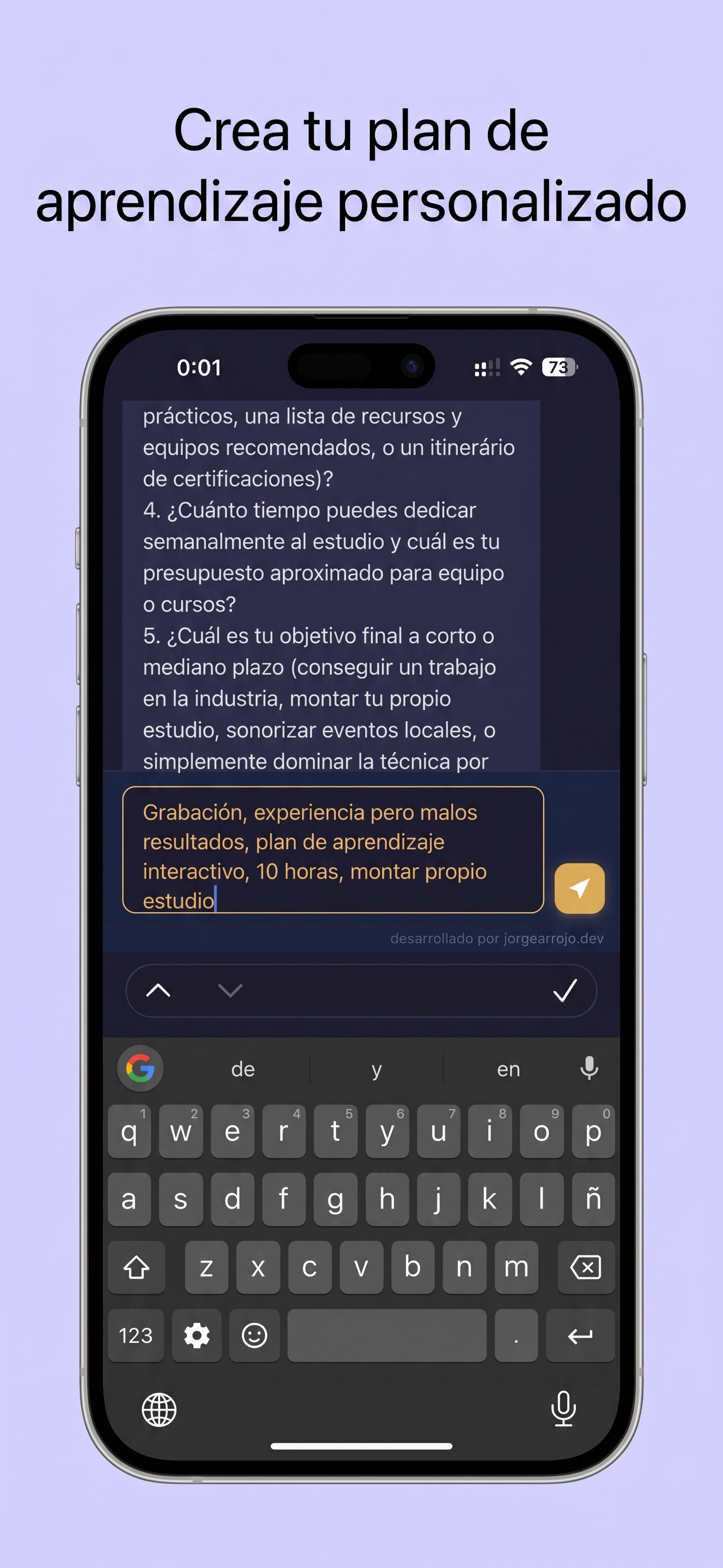
Write it however it comes out — vague, incomplete, in your own words. You never need to know how to prompt.

2

uCreacción engineers the specification

Your intent becomes an engineered master prompt. If needed, uCreacción asks only what matters to remove ambiguity.

3

The agent executes it

Hermes works with real tools — code, PDFs, web and search — on your own infrastructure, with the LLM you chose for this task.

4

Follow live progress

Watch states and output fragments in real time over streaming. Close the app: the job finishes by itself and waits for you.

5

Receive the file and notification

When it's done, you get notified and download your creation as PDF, DOC, MD, HTML or TXT.

6

Iterate and keep creating

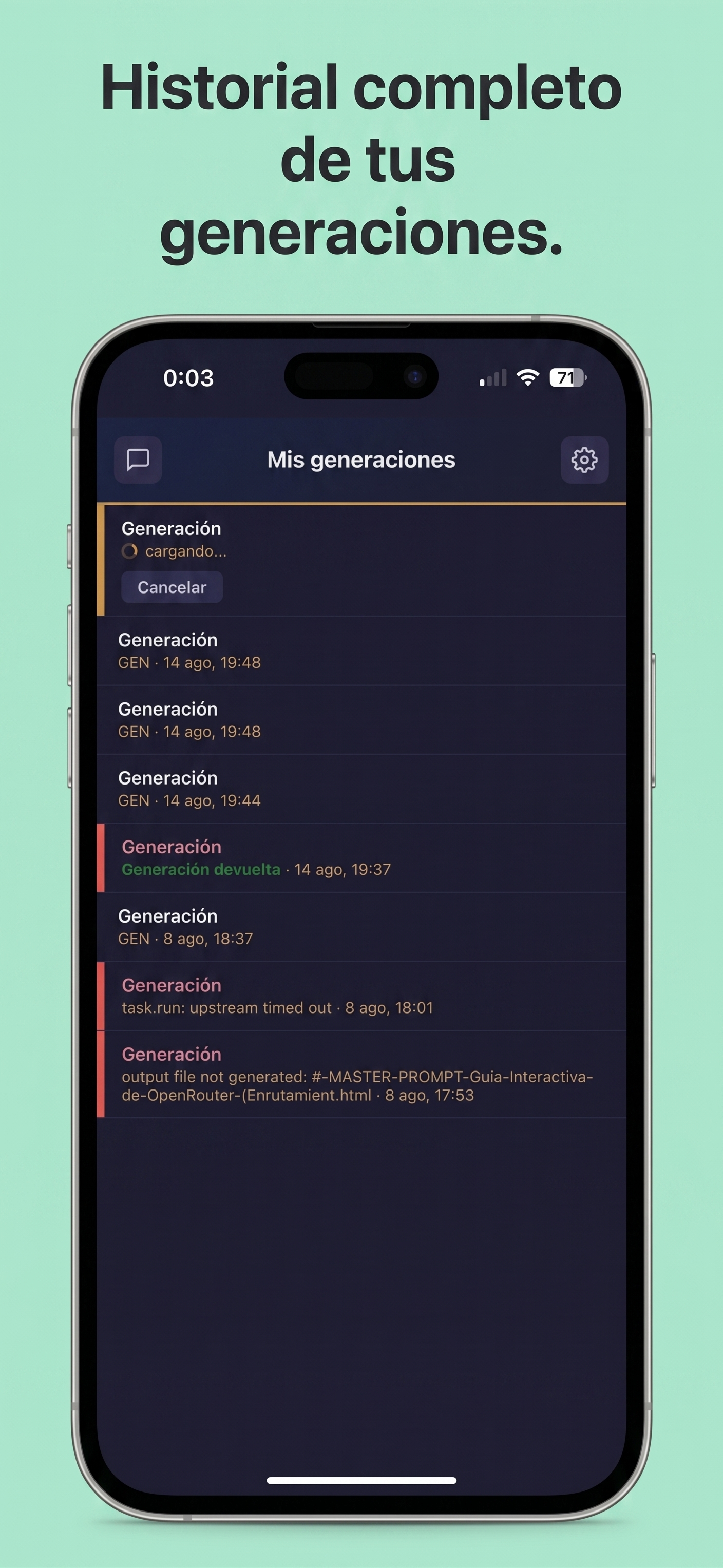
Refine the result, request changes or start the next idea. Your creations and history stay local and private.

Why it's different

A prompt generator gives you a prompt.
uCreacción delivers the finished work.

Typical AI chat

  • Gives you a text reply you must keep steering
  • You wait with the app open
  • You do the prompt engineering
  • One model, locked in
  • No real files, no real work

uCreacción

  • Delivers a finished result: file, PDF, code, research
  • Works in background — close the app, it finishes alone
  • uCreacción engineers the instructions for you
  • Any LLM you choose, per task
  • Agent with real tools on your own infrastructure
One backend, every device

uCreacción where you create

The same engine behind every interface — your Apple devices in beta, and a desktop app coming soon.

Apple — Beta

Native app for iOS and iPadOS, available now on TestFlight. macOS coming.

Join the beta

Desktop — coming soon

A desktop app that talks to your own backend over an encrypted private network (Tailscale).

Coming soon
Try the flow

From an idea to a delivered file

A preview of how uCreacción takes your intent to a finished result.

Static preview — no prompt skills needed.

A real-world example

From a vague idea to a finished result

See how AI understands your intent before building the result.

Your initial idea

A newly started NestJS project. I want it to apply hexagonal architecture by default.

Free-form input 1 sentence
AI refines the context
01
What is the exact role? Software architect
02
What type of application? REST API
03
What output format? File structure and minimum content
04
What technical constraints? Strict TypeScriptPrisma ORM
05
What logic should it include? User CRUD with JWT and HttpOnly cookies
Next step Your intent is now an engineered specification. Send it to your AI and receive the result as a file. Generate PDF, DOC, MD, HTML, or TXT
Engineered specification ready Complete output · NestJS
ROLE AND PURPOSE
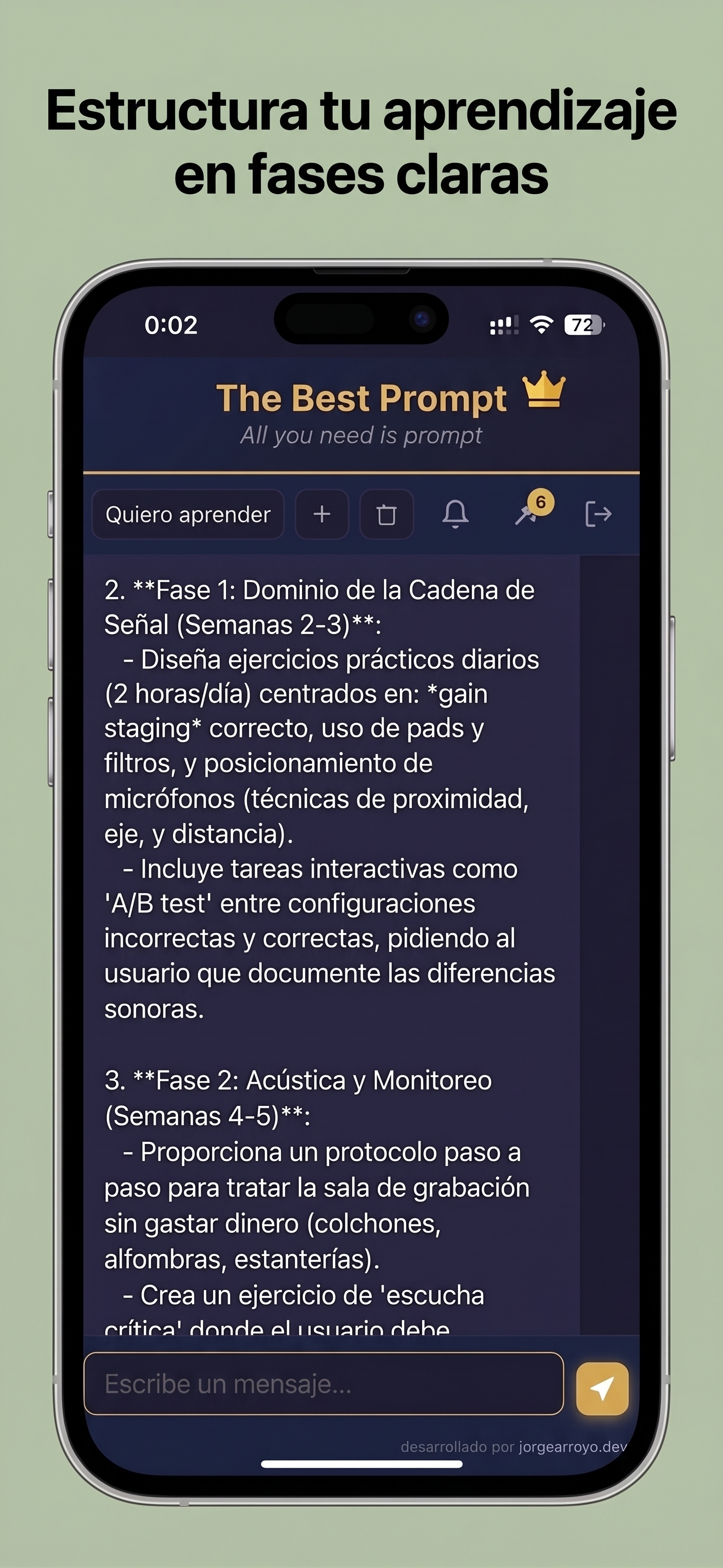
Act as a software architect expert in NestJS, TypeScript, and hexagonal architecture. Your goal is to generate the complete skeleton of a NestJS project that implements a REST API with business logic encapsulated in the domain, using the ports and adapters pattern. You must include a users module with full CRUD, JWT-based authentication stored in an http-only cookie, and persistence with Prisma ORM. Strictly following the specification detailed below, produce the entire file structure and the minimum functional code for each file.

CONTEXT
The project has just been started. It is a backend for an application that exposes a REST API. The goal is to establish a hexagonal architecture from the beginning, isolating the domain from infrastructure details (NestJS, Prisma, HTTP). The users module will be the first one and will serve as a template for the rest. The code must be self-contained and ready to run with `npm install` and `npx prisma generate` (assuming a database configurable through an environment variable). Authentication uses a signed JWT transmitted in a secure, http-only cookie, with CSRF protection considered through SameSite. TypeScript must operate in strict mode.

STEP-BY-STEP INSTRUCTIONS

1. **Project initialization**
   - Create the base structure of a NestJS project with the required dependencies: `@nestjs/common`, `@nestjs/core`, `@nestjs/platform-express`, `@nestjs/jwt`, `@nestjs/passport`, `passport`, `passport-jwt`, `@prisma/client`, `prisma`, `cookie-parser`, `class-validator`, `class-transformer`, `bcrypt`, and the corresponding type definitions.
   - Configure `tsconfig.json` with `strict: true`, `esModuleInterop`, `target: ES2020`, and `module: commonjs`.
   - Include a `.env.example` file with `DATABASE_URL`, `JWT_SECRET`, and `JWT_EXPIRATION`.
   - Define the `prisma:generate` and `prisma:migrate` scripts in `package.json`.

2. **Define the domain layer**
   - Create the `User` entity (with no external dependencies) with the following fields: `id: string`, `email: string`, `password: string`, `role: 'admin' | 'user'`.
   - Create `UserRepository` as a port (interface) in the domain, with the following methods: `save(user: User): Promise<User>`, `findById(id: string): Promise<User | null>`, `findByEmail(email: string): Promise<User | null>`, `update(user: User): Promise<User>`, `delete(id: string): Promise<void>`.
   - Create the necessary value objects for validation (e.g. `Email`, `Password`) that throw domain errors.

3. **Application layer (application services and input ports)**
   - Implement `UserService` using `UserRepository` and expose the following use cases: `register`, `findById`, `update`, and `delete`.
   - Define a `TokenProvider` port (interface) with `generate(payload: any): Promise<string>` and `verify(token: string): Promise<any>`.
   - Define an `AuthService` port with `login(email: string, password: string): Promise<{ accessToken: string }>` and `validateUser(payload: any): Promise<User>`.
   - The application service must orchestrate the business logic and throw application exceptions.

4. **Infrastructure layer (adapters)**
   - Create the `PrismaUserRepository` adapter implementing `UserRepository` with `@prisma/client`. Define the `User` model in `schema.prisma` with the same fields as the domain. Configure `PrismaService` as a NestJS provider with `onModuleInit`.
   - Implement `JwtTokenProvider` using `@nestjs/jwt` to sign and verify tokens.
   - Implement `AuthServiceImpl` using `UserRepository`, `TokenProvider`, and `bcrypt` for `login`.
   - Create a `JwtAuthGuard` (extending `AuthGuard('jwt')`) that extracts the JWT from the cookie (using `cookie-parser`).
   - Create a `JwtStrategy` for Passport that reads the cookie and validates the token.
   - Create an interceptor or middleware to handle the http-only cookie in the login response.

5. **Interface layer (HTTP controllers)**
   - Implement `UserController` with RESTful endpoints: `POST /auth/register`, `POST /auth/login`, `POST /auth/logout`, `GET /users/:id`, `PATCH /users/:id`, `DELETE /users/:id`.
   - Apply validation with `class-validator` in DTOs (`RegisterDto`, `LoginDto`, `UpdateUserDto`).
   - The controller must only call application services and contain no business logic.
   - Protect user routes with `@UseGuards(JwtAuthGuard)`.
   - In `login`, the controller must set the http-only cookie with the JWT in the response.

6. **NestJS module and configuration**
   - Create `DomainModule`, `ApplicationModule`, `InfrastructureModule`, and `UserInterfaceModule`.
   - `AppModule` must import the modules above and configure `PrismaService` as global, `JwtModule` asynchronously with environment variables, and `CookieParserMiddleware`.
   - Ensure dependency injection respects the ports (use custom injection tokens for `UserRepository` and `TokenProvider`).

7. **Extras**
   - Include a global exception filter that maps domain errors to HTTP 400/404/409.
   - Configure `main.ts` with `app.use(cookieParser())`.

CONSTRAINTS AND RULES
- Strict TypeScript: no unnecessary `any`; all types must be explicit.
- Prisma ORM as the only database; the schema must be synchronized with the domain, but no Prisma model may leak into the business logic (always map between the domain entity and the Prisma model).
- Authentication must use JWT exclusively through an http-only cookie (`Set-Cookie` on login, and the guard reads it from `req.cookies`). Do not use the `Authorization` header.
- Passwords must be hashed with bcrypt.
- Each file must contain the minimum code necessary for the application to work, but it must be complete.
- Do not include unit tests, but the structure must facilitate testing.
- Code must follow the dependency inversion principle: inner layers must never import from outer layers.
- The output must be a single structured block of text, not multiple separate messages.

OUTPUT FORMAT
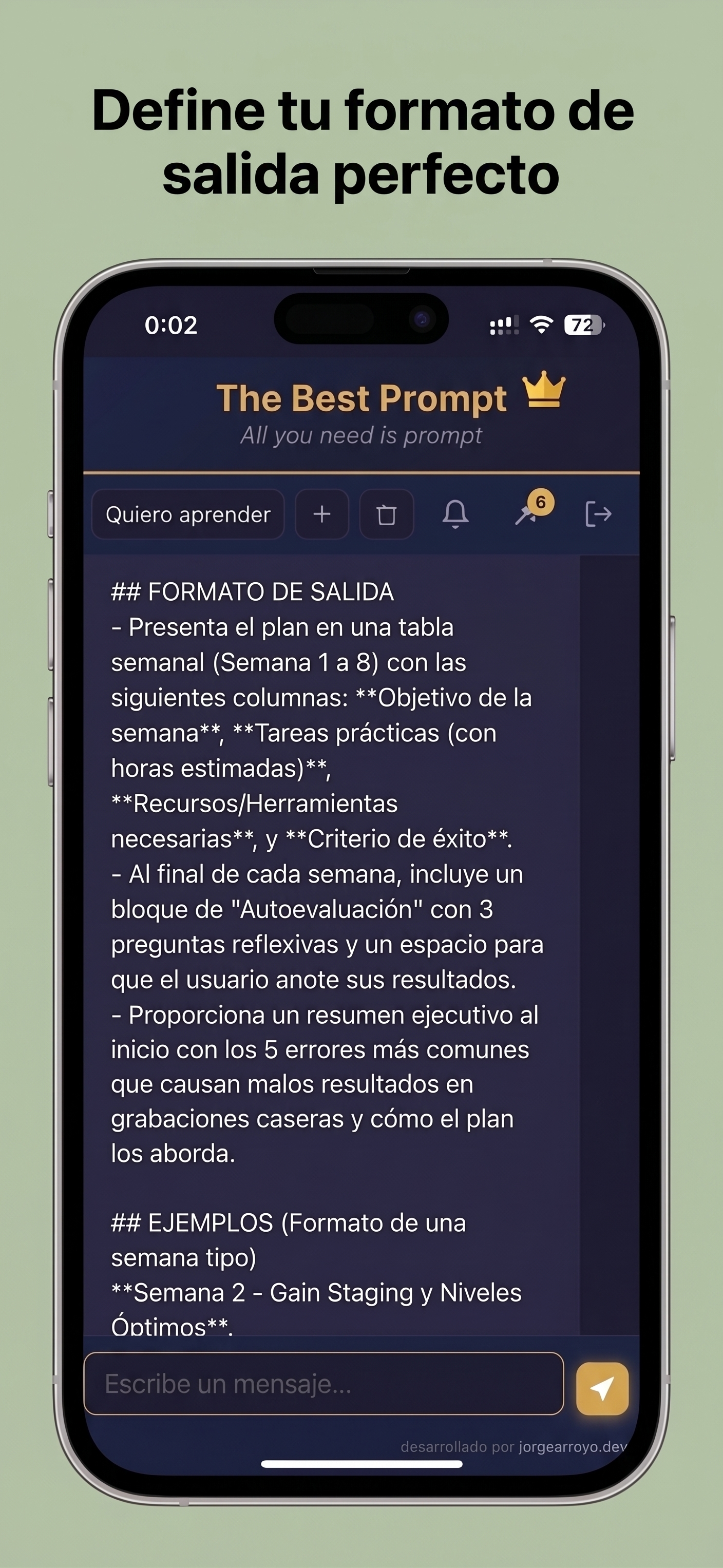
First, show a complete directory tree (file paths only, with indentation). Then, for each file, provide its path and the complete code content inside code blocks with TypeScript syntax. Use the following format:
```
📁 src/
├── 📁 domain/
│   ├── 📁 entities/
│   │   └── user.entity.ts
│   ├── 📁 repositories/
│   │   └── user-repository.interface.ts
│   └── ...
├── ...
```
For each file:
**`src/domain/entities/user.entity.ts`**
```typescript
// content
```

Continue until all necessary files are covered. Make sure to also include the configuration files in the root (`package.json`, `tsconfig.json`, `.env.example`, `prisma/schema.prisma`, etc.).

EXAMPLES
- Example of the `User` domain entity: export a class with private properties, a constructor receiving the values and validations, and public getters.
- Example of the `auth.controller.ts`: a `login` method that calls `AuthService`, obtains the token, and attaches it to the response with `res.cookie('jwt', token, { httpOnly: true, secure: true, sameSite: 'strict' })`.
- Example of the `jwt-auth.guard.ts`: extend `AuthGuard('jwt')`, but in `canActivate` first extract the token from `context.switchToHttp().getRequest().cookies?.jwt` and add it to `request.headers.authorization` so Passport can read it, or customize the strategy to read the token directly from the cookie.
- Example of the application service `user.service.ts`: `register` checks whether the email already exists, creates the `User` instance, saves it through the repository, and returns the created user (without the password).

At the end, include a brief explanation of how to run the project (assuming Node.js and a PostgreSQL database are available) and the main architectural decisions.
Answers

Everything you need to know

What is uCreacción?

An AI-assisted creation platform. It understands what you want and runs an autonomous agent that does the work and delivers a finished result.

Do I need to know how to write prompts?

No. Describe your idea in your own words. uCreacción does the engineering behind the scenes.

What happens after I describe my idea?

uCreacción understands your intent, asks only what matters, engineers the master prompt, and an agent executes it on your own infrastructure.

What do I get at the end?

A real, usable result: PDF, DOC, MD, HTML or Plain Text — a file you can download, share and keep developing.

How is this different from using ChatGPT or Ollama directly?

A chat gives you a reply. uCreacción takes you from idea to result: engineered instructions, an agent with real tools, background work and file delivery.

Can I use my own model or provider?

Yes. Choose the LLM per task: a rented GPU, a local Ollama, or a third-party API. You choose the AI; you own the workflow.

Where is the master prompt?

It is the engineered specification behind your result — visible and reusable for advanced users, hidden for everyone else.

Who controls my data?

You do. The backend runs on your infrastructure, reached over an encrypted private network (Tailscale). Nothing is stored on our side.

Can I cancel a running task?

Yes. Cancelling stops the LLM for real, saving compute and money.

Can I integrate it with my own systems?

Yes — signed webhooks with retries and a dead-letter queue let you connect the backend to your own tools.

Open Source. Deploy in one command. Zero tracking.

Join the Beta Full Free on TestFlight for iPhone, iPad, and macOS. uCreacción is open source; deploy the backend with compose.yaml or a .sh script (checks docker; verifies podman or aborts). An autonomous agent works with real tools on your infrastructure and delivers results in PDF, DOC, MD, HTML or TXT — with the LLM you choose, and nothing exposed to the internet.

I want Beta Full Free Beta Full Free, available now